
It’s the industry joke and it's funny until you're the one working out which file actually went to print.
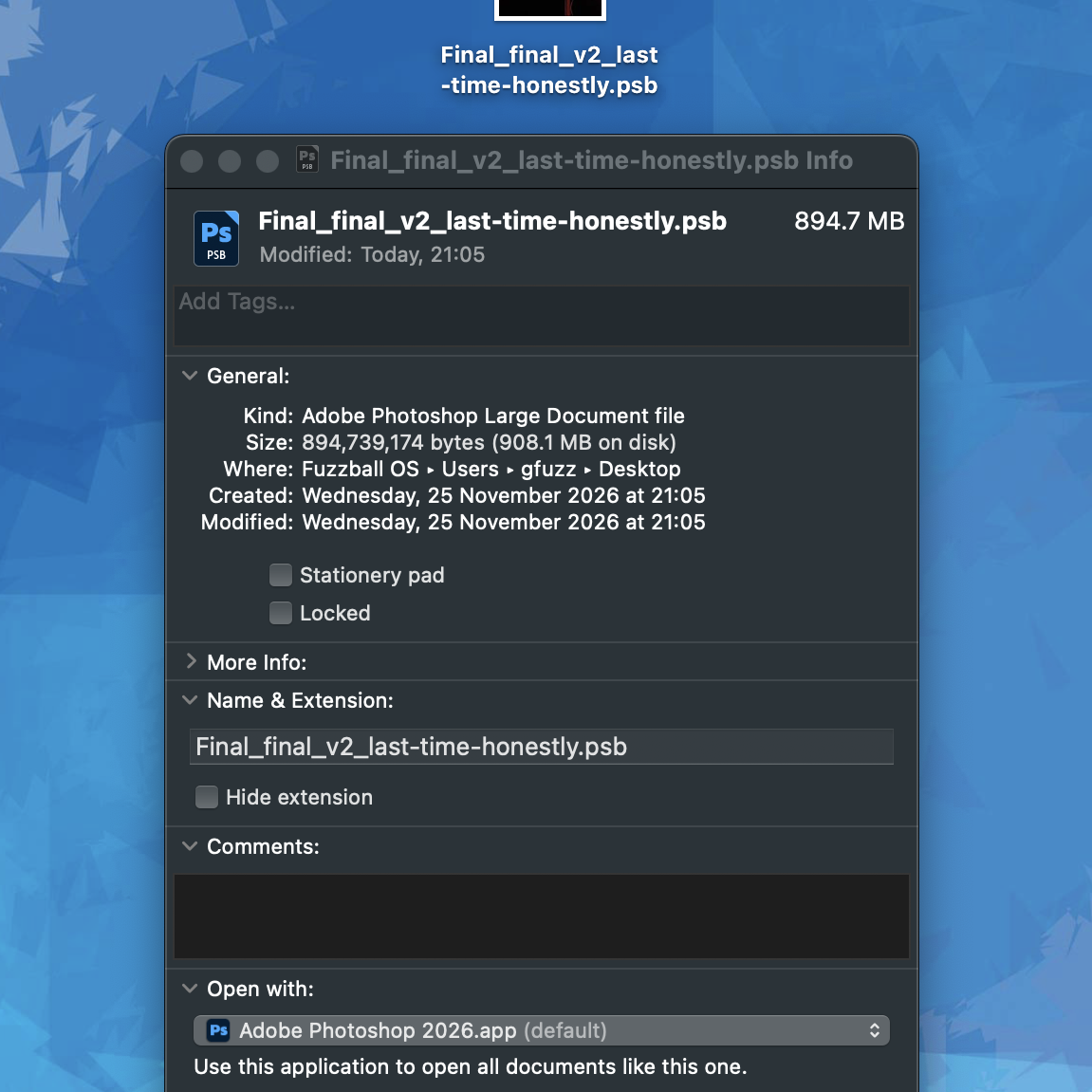
I don't really recognise it in my own work. I build systems so that I don't have to remember.
I'm often brought on board well after a project has started. Where an agency has a system in place, I follow it. I don't want to ruffle feathers when they open the artwork project.
The designers' files usually run v1, v2, v3. When the job reaches me, I switch to AW1, AW2, so the team can see at a glance that it has moved on to artwork.
With my own clients, or a smaller company without a system in place, I use my own structure. The filenames look opaque to anyone outside, but they work. The job number at the front does the describing, so the name stays short.
The live files sit in one working folder. Anything older goes into an archive, which earns its keep on big key art when a destructive edit damages a large Photoshop file. Anyone picking up the work can see which version is current.
Inside the files, everything is labelled, so I can see quickly how it's built and which elements do what.
That matters most when a job arrives back on my desk a week later. Several days of other projects since I last saw it and now there's a list of changes. I open the file and I'm straight back in, without having to remember what each element is doing.
When a job comes back for changes a week later, which "final" do you open first?